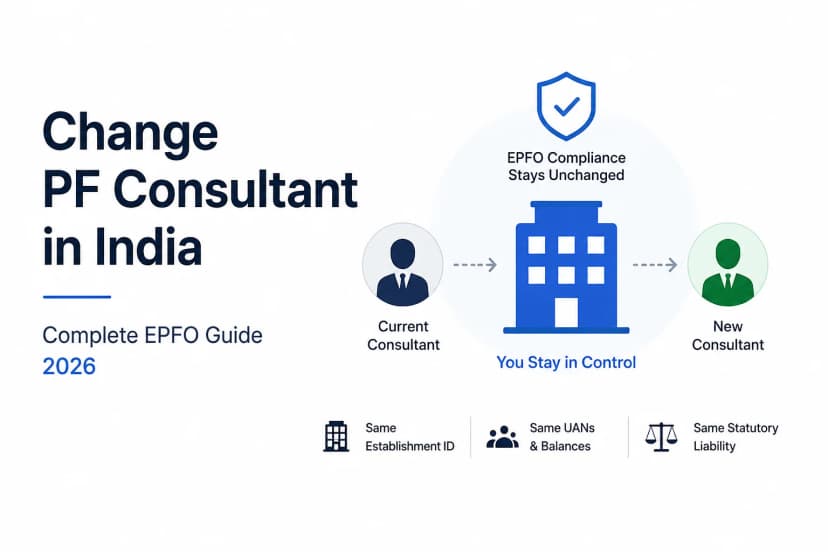
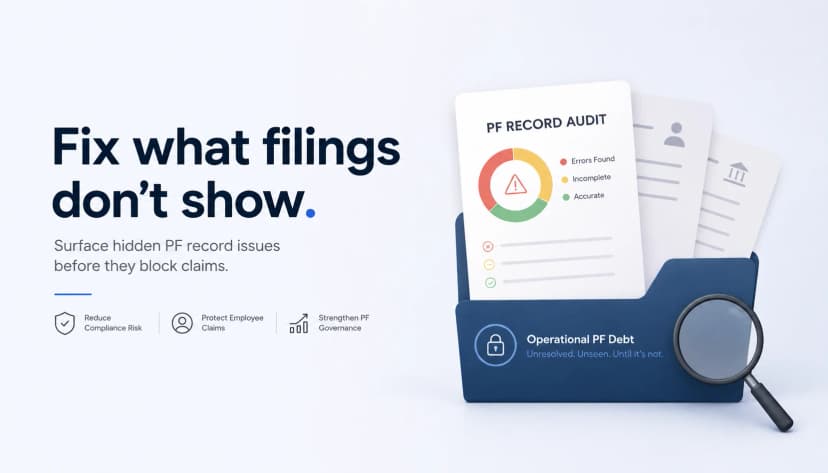
A PF consultant handover is complete when your company, not the outgoing consultant, controls its EPFO login, signing authority, records and open cases. Receiving a folder is not the same thing.
Here is a typical failure. A consultant exits on a Friday. On Monday, HR finds four things:
- The EPFO registered mobile is the consultant's personal number.
- The only registered DSC belongs to a director who left last year.
- Six former employees still have no date of exit marked.
- None of those six can withdraw or transfer their PF.
The establishment hasn't changed, but the company can no longer operate it.
This page covers what to secure, in what order, and how to prove the handover is done. For choosing and onboarding a new consultant, see How to Change Your PF Consultant.
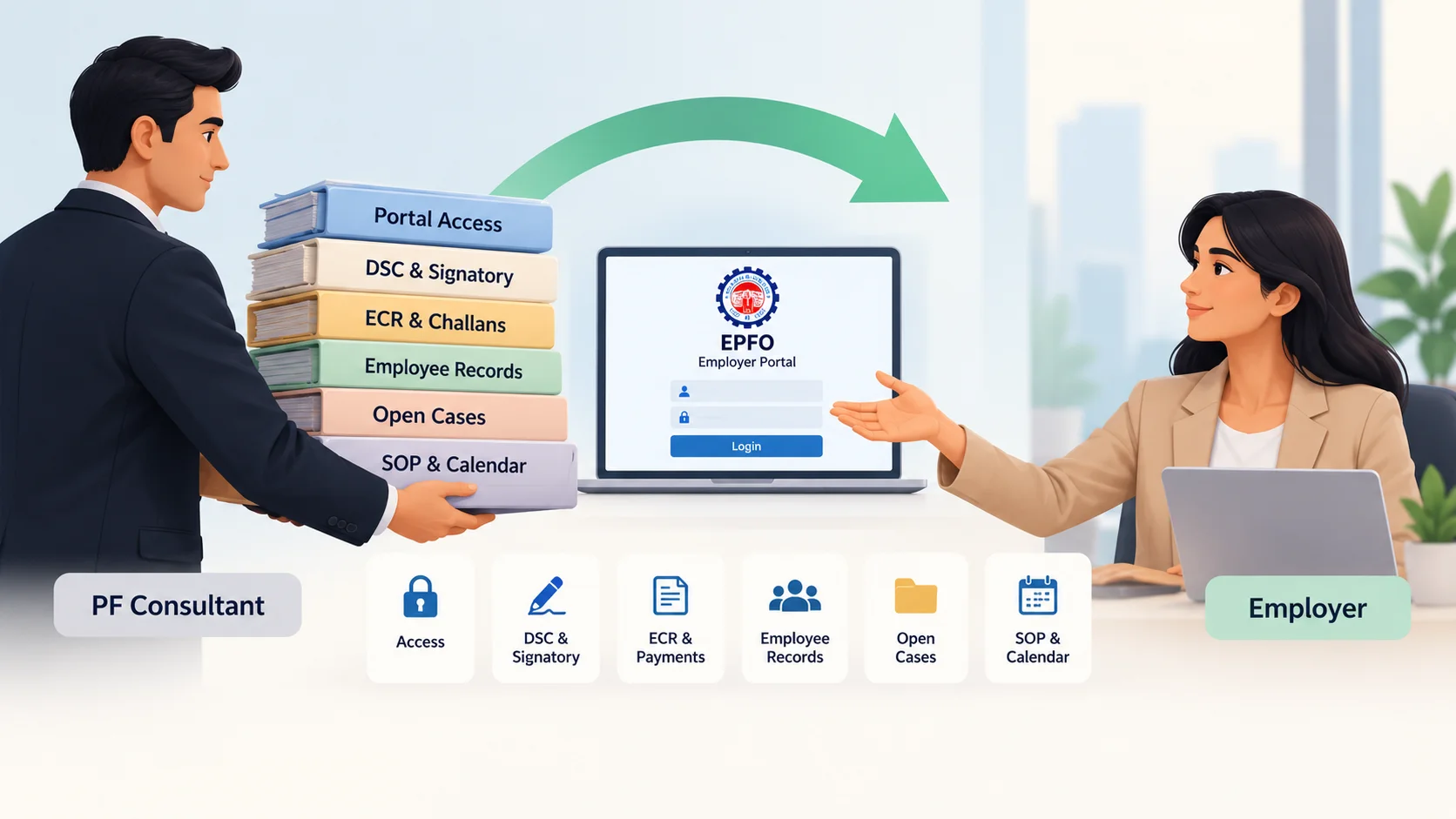
Quick answer: when is a PF consultant handover complete?
A handover is complete when the company can answer yes to five questions without calling the outgoing consultant:
- Access: Can an internal owner log in to the EPFO employer portal and recover access through a company-controlled mobile and email?
- Signing: Is there a current authorised signatory with a registered DSC or e-sign, and has any DSC belonging to a departing person been revoked?
- Records: Can we retrieve any past ECR and its challan/TRRN?
- Open matters: Does every open correction, grievance and notice have an owner and a next action?
- Continuity: Can we review and approve the next filing ourselves?
If any answer is no, the handover is not finished.
What the employer must own, and what a consultant may operate
Outsource the execution of PF work, never the control of it.
| The employer must own | A consultant may operate |
|---|---|
| EPFO employer login and its recovery | Day-to-day portal work under an employer-controlled login |
| Registered mobile number and email | — |
| Choice of authorised signatory | Preparing signatory and DSC paperwork |
| Registered DSC/e-sign of the employer's signatory | Using signing access only as the employer authorises |
| Archive of ECRs, challans, TRRNs and EPFO correspondence | Preparing and filing ECRs; organising records |
| Open-case register | Raising and tracking corrections and grievances |
| Compliance calendar and SOP | Running the monthly cycle |
A consultant can do nearly all the work. What it must never hold alone is anything you would need in order to replace it.
The PF Consultant Handover Register
Each row is a checklist item and its acceptance test in one. A row passes only when its evidence exists. A consultant's assurance that "everything has been shared" is not evidence.
| # | Asset | Must be true at exit | Evidence it passed |
|---|---|---|---|
| 1 | EPFO employer login | An internal owner logs in independently | Dated login by the internal owner |
| 2 | Registered mobile and email | Both are company-controlled, not a consultant's personal number or inbox | Recovery OTP received internally |
| 3 | Credentials | Stored in the company's password manager and changed on exit day | Rotation date (never record the password in the register) |
| 4 | Authorised signatory | A current employee, designated by the employer, matching the establishment's ownership details (Form 5A) | Screenshot of current ownership/signatory details |
| 5 | Registered DSCs/e-sign | Only current signatories are registered; any DSC belonging to the consultant or former staff is revoked | Screenshot of registered DSC list after revocation |
| 6 | DSC validity | Expiry date recorded, with a named renewal owner | Expiry date in the compliance calendar |
| 7 | ECR archive | Every wage month is retrievable | Three randomly chosen months opened successfully |
| 8 | Challans and TRRNs | Each one matched to its ECR | Matched list for the same three months |
| 9 | Employee/PF master data | Current export held internally, with UANs and dates of joining and exit | File in company storage |
| 10 | Open-case register | Every case has five fields: owner, status, next action, date, evidence | Completed register |
| 11 | EPFO notices and correspondence | Nothing unknown or unanswered | Notice log with deadlines |
| 12 | SOP and compliance calendar | An internal person can run the next cycle | Walkthrough completed with that person |
| 13 | Consultant access | Removed on exit day | Date access removed |
| 14 | First ECR after exit | Reviewed internally before approval | Review sign-off; see PF Contribution Mismatch |
Run this register against your EPFO account: book a handover audit →
Handover timeline
| When | What must be true |
|---|---|
| Before giving notice | Internal owner named and able to log in. Registered mobile and email are company-controlled (rows 1–2). Without these, you negotiate the exit with no leverage. |
| During the notice period | Archive retrieved and spot-checked. Open-case register complete. SOP and calendar received. DSC list reviewed (rows 4–12). |
| Exit day | Credentials rotated. Consultant access removed. Consultant's DSC revoked if registered (rows 3, 5, 13). |
| First filing cycle after exit | First ECR reviewed internally. Open cases have moved forward. Register signed off (row 14). |
If the outgoing consultant filed your September 2026 ECR: check it in your first internal review. It is a split month, with 1–16 September calculated on the ₹15,000 wage ceiling and 17–30 September on ₹25,000, in a single return. Errors in that month are common and easy to miss in a handover. See PF Contribution Mismatch.
Authorised signatory and DSC: what breaks, and what to revoke
Employer-side approvals on the EPFO portal need the authorised signatory's registered DSC or e-sign. When that signatory leaves, or was never properly registered, approvals stop. Employees feel the delay before the employer does.
| Blocked action | Who is affected | What restores it |
|---|---|---|
| Member KYC approval | Employees: pending KYC can hold up claims and transfers | New signatory's DSC/e-sign registered |
| Date of exit marking | Former employees: withdrawal and transfer depend on it | Same |
| Employer attestation of transfer claims | Job-changers | Same |
| Updates to establishment details | The employer | Same |
Changing the signatory. Update the signatory in the establishment's ownership details (Form 5A) first. Then register the new signatory's DSC or e-sign once that is approved. EPFO's DSC/e-sign guidelines (October 2024) require a current Form 5A and say only the employer may authorise or re-authorise a signatory. A renewed certificate or a new signatory has to be registered on the portal again before it can be used.
Revoking the consultant's DSC. Some establishments register a consultant's DSC for convenience. It stays usable until someone revokes it. On exit day, open the registered DSC list in the employer portal (Establishment → DSC/e-sign) and revoke any certificate belonging to someone who no longer acts for you.
This page covers signing authority during a handover. For buying or installing a DSC, follow your certifying authority's instructions.
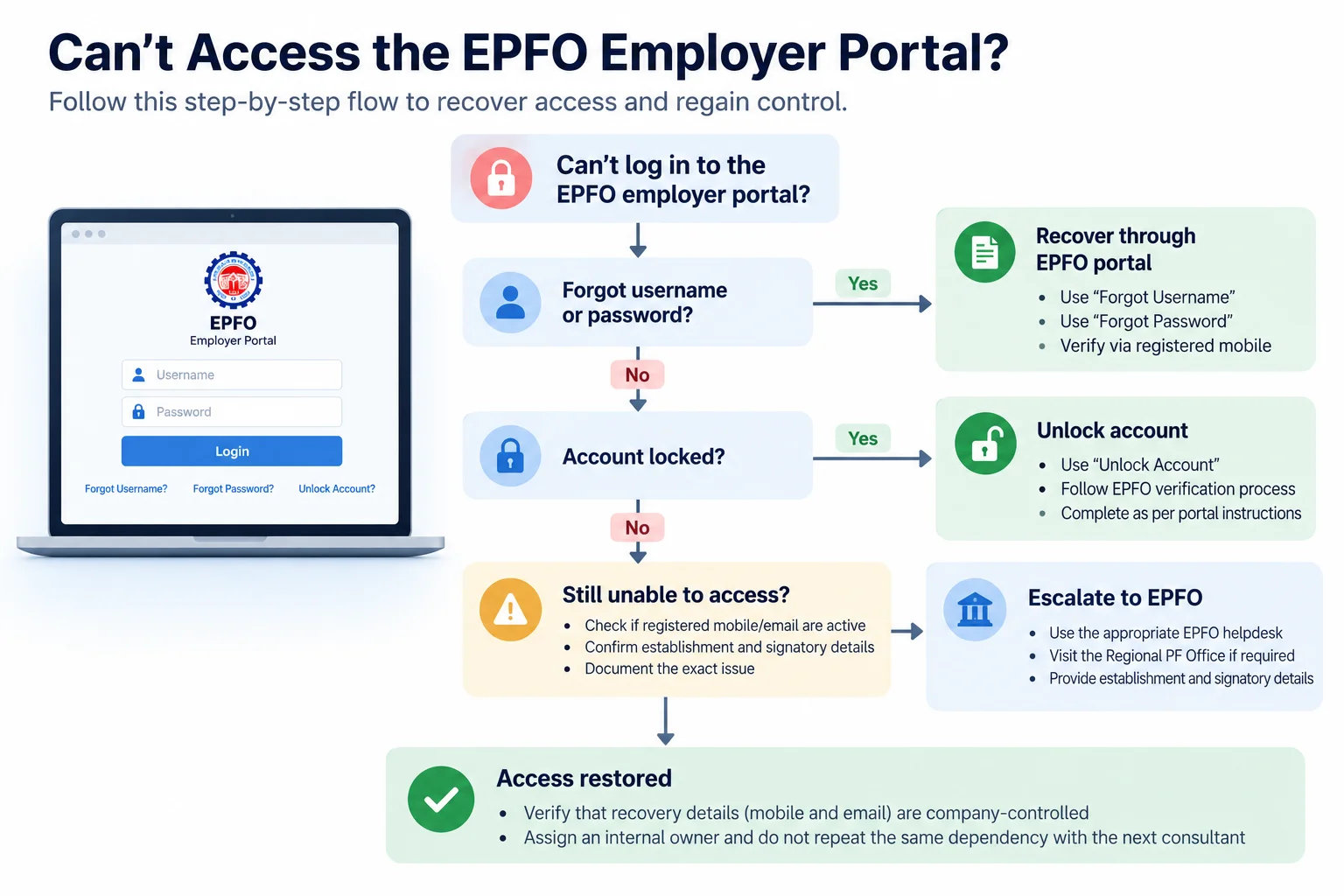
If you can't log in to the EPFO employer portal
- Try self-service recovery. The EPFO employer portal provides Forgot Password (which also recovers the login ID) and Unlock Account. Both go through the registered mobile.
- If the registered mobile belongs to the consultant, ask for the OTP in writing, recover access, then change the registered mobile and email to company-controlled ones the same day.
- If the consultant won't cooperate, or the number is unreachable, the registered contact details have to be changed through the establishment's ownership records. Take establishment and authorised-signatory proof to your EPFO Regional Office.
- Once access is restored, complete rows 1–3 of the register, so the new consultant doesn't inherit the same dependency.
Open PF cases: hand them over so the next team can continue
A case marked "in progress" with no detail is effectively lost. Every open matter needs five fields: owner, status, next action, date, evidence. Each case type also needs its own reference details:
| Open matter | Also record |
|---|---|
| ECR correction | Wage month, error, return type used, payment status |
| Date of joining/exit correction | Employee, UAN, request reference, documents submitted |
| UAN issue | Employee, UANs involved, action taken. See Duplicate UAN for Employers |
| EPS issue | Employee, period, evidence. See Employer EPS Errors |
| Grievance | Grievance reference number, last action |
| EPFO notice | Notice number, deadline, response filed |
Corrections often depend on one another: fixing a date of joining can change contribution and pension records. Before re-sequencing anything, see PF Correction Dependencies.
If the consultant refuses to hand over
Your leverage is portal access, not the contract. Once you control the employer login, much of the filing and payment history can be retrieved from the portal itself. What only the consultant holds is working files, correspondence and the context behind open cases.
- Secure access first (the previous section).
- Retrieve what the portal holds: returns, payment status, member data.
- Request in writing what only the consultant has, as a dated list.
- Keep deadlines running. Filing and payment due dates don't pause for a vendor dispute. Assign the next cycle to an internal person or the new consultant immediately.
- Reconstruct what is still missing. For gaps that go back years, see Historical PF Errors.
To find out whether you're over-dependent on a consultant before it comes to this, see PF Consultant Risk.
Frequently asked questions
Who should control the EPFO employer login and registered mobile?
The employer. A consultant can work under the login, but the registered mobile and email should be company-controlled, because they are how access is recovered. EPFO's employer portal also advises against sharing passwords.
What happens if our authorised signatory leaves the company?
Approvals that need the signatory's DSC or e-sign, such as member KYC, dates of exit and transfer-claim attestation, stall until a new signatory is updated in the ownership details (Form 5A) and their DSC or e-sign is registered.
Should a PF consultant's DSC be registered on our establishment?
Avoid it where you can. If one is registered, record it in your handover register and revoke it on the consultant's last day. It stays usable until revoked.
How do we change the authorised signatory on EPFO?
Update the signatory in the establishment's ownership details (Form 5A). Once that is approved, register the new signatory's DSC or e-sign and revoke the old one.
What if the outgoing consultant won't hand over records?
Secure the employer login first, retrieve what the portal holds, request the rest in writing, and keep filings on schedule while the dispute continues.
Before your consultant's last day
Run the five questions: access, signing, records, open matters, continuity. Any "no" is a gap to close while the consultant is still engaged and reachable.
Kustodian runs the handover register against your live EPFO account, identifies what is missing, revokes stale signing access, and rebuilds records the outgoing consultant can't or won't provide.
PF Interest Loss Calculator
See how much interest you lose every month your claim sits unresolved.